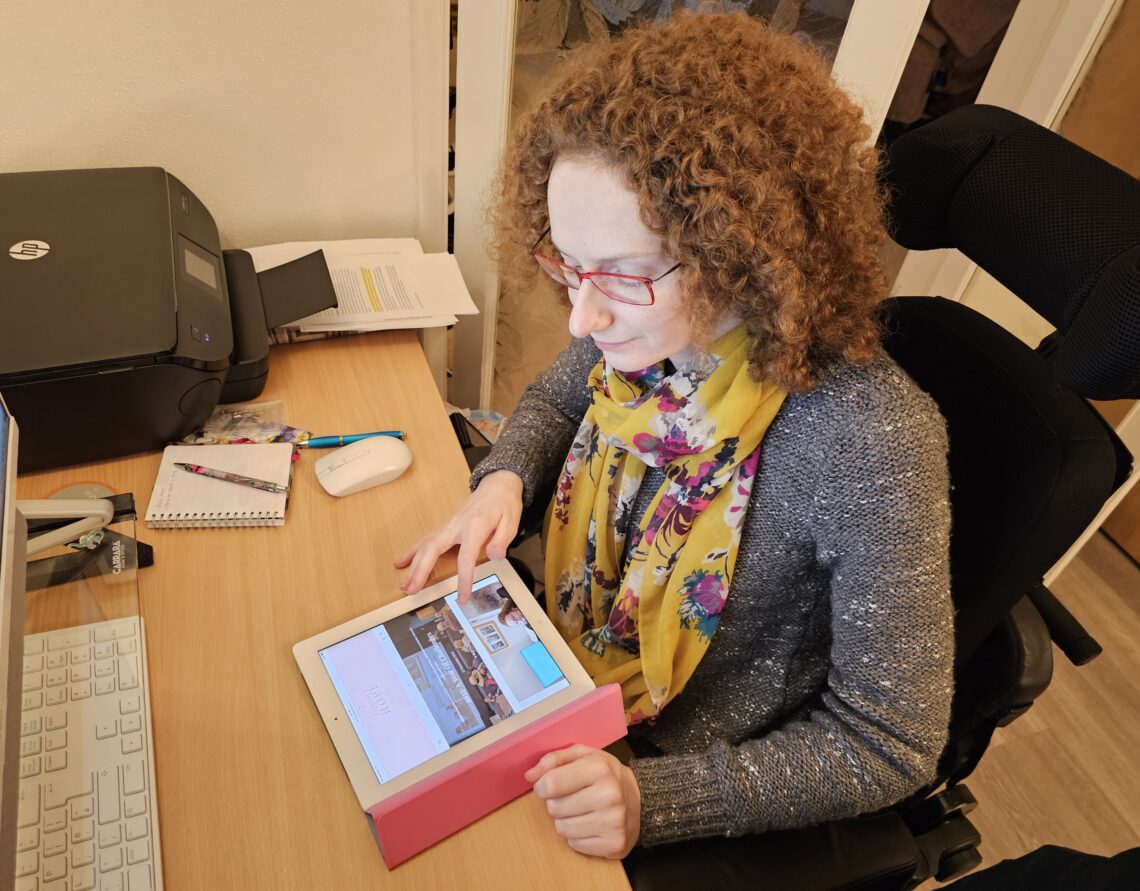
How To Start A Blog
I have been writing a blog for six years. Below I have written about how to start a blog, then read on to the end where I have shared my blogging story with you.
How To Start A Blog
1. Decide what you want to blog about. This can be absolutely anything e.g. disability travel or something unrelated to disability e.g. fashion and make up.
2. Choose a blog name and ideally your domain name (website address) should be the same. Check it is available on GoDaddy.com or 123-Reg.co.uk . Something short is best and that isn’t used for other things. You don’t want people to get confused with something else.
Blog Platforms
3. Choose a platform e.g. WordPress, blogger (which is also known as blogspot), Tumblr. I would probably recommend WordPress.com. You can choose to start with a free account, they offer the website and host your domain name. It will have limited designs and you will have adverts, but it will be perfectly adequate if you are experimenting whether this is for you or not.
Alternatively, you can opt for a paid version or change to this later on, where you will have more choice with themes (designs) and will not have to have adverts. The paid version is essentially self-hosting and you own your website and can do what you like with it. If you go self-hosted you will need to purchase a domain name and have a hosting platform such as Lyrical Host which I use. Hosting platforms will often back up your blog for you, so it is safe in case there are any technical issues. If you want to be taken more seriously it is probably better to have your own domain e.g. mine is hannahshope.co.uk rather than having hannahshope.wordpress.co.uk .
If you buy your domain name and hosting with Lyrical Host in the same order (which I did), WordPress is set up automatically. So it may be a good option to cut some steps out for people starting a brand new blog as there is less to do.
Blog Design
4. Choose your website design. Choose something that reflects you or the topic you are going to write about. Try and make it easy on the eye for viewers to read.

5. If you would like a logo, you can create one. I created my header on my blog and icon logo on Canva. There is a free version and they give you a 30-day free trial of Canva Pro, which has more features and design templates. Alternatively, you can buy designs/logos off Esty. If you are creative, it is an opportunity for you to create something unique, but if you are not, they are plenty of pre made design templates you can choose from.
Writing your First Blog Post
6. Get writing your first blog post. You need a title, relevant to the post. Sub headings are good to separate the text and make it easier to read for everyone. The length of your blog post is quite a debatable topic. I would say between 500-1500 words. If you make it too long you risk losing people’s interest or people not reading it due to time constraints. However, complex topics can go well over 1500 words and need to be in order to cover the depth of the topic.
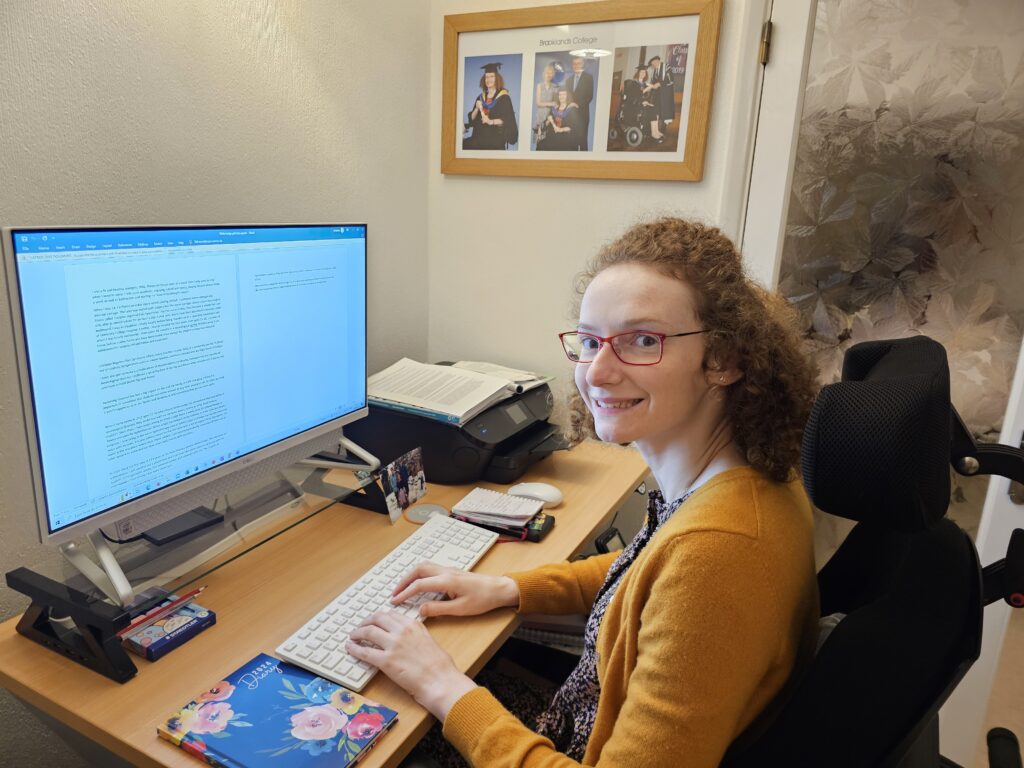
Images are essential, try to ensure they are relevant to the post. With certain blog posts this can be tricky. For example, recently I wrote a blog post on ‘The Lessons I Have Learnt Since Becoming Disabled’ and depicting this is quite hard. In the end I had a photo taken of myself looking out of the window into the distances showing me in deep thought.
Photos in your Blog Post
It is best to take your own photos if possible as they are normally more appropriate to your post. You have to be aware of copyright when using photos off the Internet.
Make sure you make them accessible to visually impaired readers by adding alt text. Alt text describes the photo and so makes it inclusive to all.
Although not the main purpose, including keywords of your blog post in the alt text is also good for search engine optimisation (SEO). Key words are what you want your post to rank on Google for and it is generally what you are posting about e.g. How to start a blog maybe my keywords. SEO is to do with how high your blog ranks on Google. Ideally, you want it to rank near the top so it drives visitors to your website. SEO is a complex topic and one I am certainly not an expert on. Initially, I would recommend just getting to grips with blogging.
Sharing and Connecting with Other Bloggers
7. Share your blog posts on social media e.g. twitter (X), Instagram and Facebook.
8. Connect with other bloggers in your niche. Follow their blogs and connect on social media.
9. Post regularly (minimum once a month, ideally more) and comment on other blogs. There are options such as scheduling posts if you have busy periods or times when you are unable to blog.
10. You can choose to monetize your blog from having adverts on your blog. (This may only be possible on certain hosting platforms e.g. WordPress.) I have not personally done this but the option is available.
11. There are some great YouTube videos on setting up a blog that can be really helpful. I would recommend you checking them out.
Lyrical Host Discount Code
11. If you are interested in setting up your own self hosted blog you can get a 10% discount on Lyrical Host with the following code: HANNAHSHOPE
Disclosure: This is an affiliated code and I receive a commission if you use this code to buy something from lyricalhost.com. Purchasing using this affiliate code does not cost you any extra and I only recommend products and services I trust. All opinions are my own.
My Blog Story
I have been writing my blog Hannah’s Hope for 6 years. Initially it was suggested to me about setting up a blog when I was a teenager in hospital, I thought what would I blog about? Which sounds silly really as I had lots of experiences and stories to tell of my time in hospital. For some reason I was thinking very much more about my health journey, of well I would end up saying I was in pain every day and it wouldn’t be an interesting read. Whereas the scope to share my life experiences in hospital and beyond was vast.
Whilst feeling passionate about making a difference, changing perceptions and promoting equity, I decided to start a blog as felt this could enable me to achieve this more. Hope has always been important to me. Hope has kept me going. As such when thinking of a name for my blog ‘Hannah’s Hope’ seemed the appropriate name. I also aim to give ‘hope’ to others.
In January 2018 I published my first blog post.

What Do I Blog About?
I write a disability and lifestyle blog. I hope it provides support to others to feel like they are not the only one going through a situation. My aim is to also raise awareness and understanding of disability, especially in the non-disabled community. Sometimes it is helpful to write things down, writing my blog has enabled me to express myself, deal with and come to terms with situations. It has helped me to connect with others who have similar experiences which in turn we have supported each other.
I have written on a variety of topics from accessible holidays, Superhero Tri (an accessible triathlon), how I funded my powerchair, 7 days in my life (as a wheelchair user), grief, working, studying and accounting.
Lately, I post around once a month, which isn’t really sufficient but with health needs, physiotherapy, part time work and disability admin, it is what is possible!
What Blogging Platform Do I Use?
Initially, I used blogspot, a free google platform for my blog. In 2021 I transferred on to WordPress. I used Lyrical Host as a hosting platform. Lyrical Host charge a monthly cost which they transferred all my blog posts from blogspot to WordPress for me. At the same time, I bought my own domain for my website hannahshope.co.uk. Your domain is your website address. Previously when I had a domain with blogspot.co.uk at the end it was free but if you want just your address without blogspot.co.uk or WordPress.com at the end you have to buy it. It generally isn’t expensive but you have to pay for it annually for as long as you want to keep it.
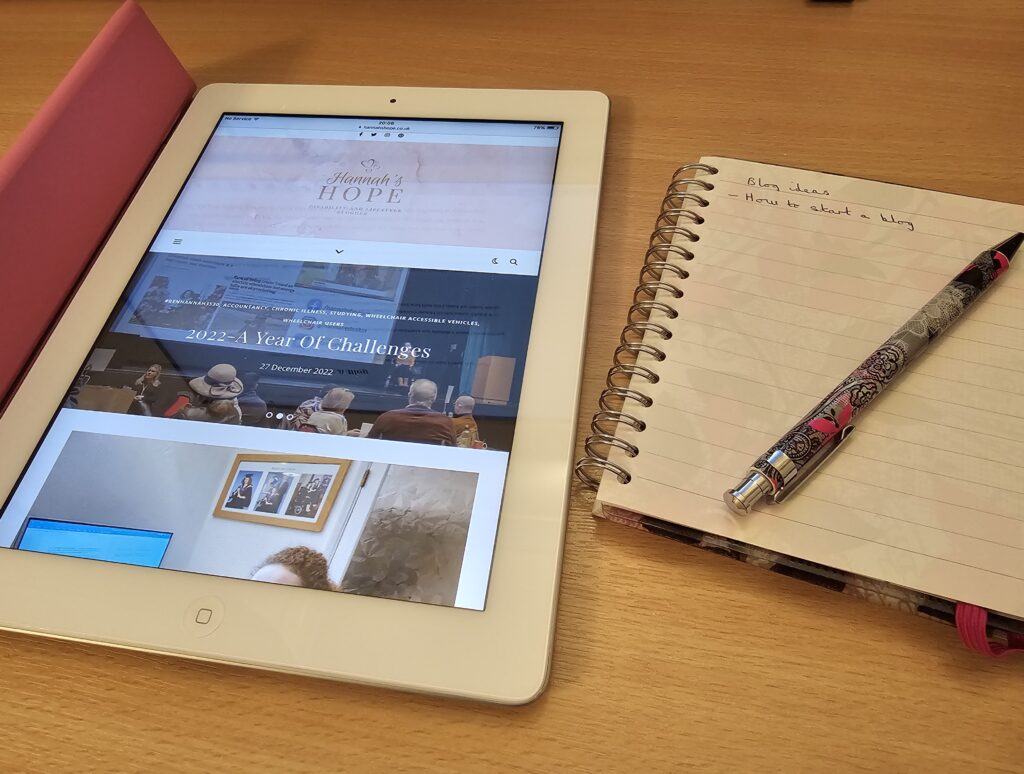
Lyrical Host are on hand almost 24/7. They have a ticket system where they are on hand to answer all your queries. They have been extremely helpful and are never judgemental on your techy skills.
Lyrical Host plant trees for every year you have been a customer. This increases to 20 trees after you have been with them for 5 years.
What Opportunities Has My Blog Provided Me?
My blog has been shared by many organisations and has provided me with many opportunities from speaking at several charity AGMs, featuring in organisation videos, newspaper articles and on the TV.
I hope you enjoy reading my blog.
Hannah x

